Apparel product feeds: what Google requires and what we fix most
Google requires gender, age_group and color on every apparel product, size on clothing and shoes, and item_group_id on every variant, for free listings everywhere and for Shopping ads in Brazil, France, Germany, Japan, the UK and the US. Most apparel feeds pass those checks and still lose searches to colour names nobody types, sizes nobody can read and empty optional fields.
Last verified 21 November 2026. A six minute read.
What Google requires for clothing, and where
No category asks more of a feed than clothing. Google wants 4 attributes that describe the garment and 1 that ties the variants together, and as of November 2026 each attribute's help page sets the same rule12345.
| Attribute | Required on | Values |
|---|---|---|
gender |
All Apparel and Accessories | male, female, unisex |
age_group |
All Apparel and Accessories | newborn, infant, toddler, kids, adult |
color |
All Apparel and Accessories | The colour on your product page |
size |
Clothing and Shoes | The complete size, as shoppers read it |
item_group_id |
Every variant | One shared ID per product |
size_system |
Optional | UK, US, EU, FR, JP and more |
size_type |
Optional, defaults to regular |
petite, plus, tall, big, maternity |
For Shopping ads the rule covers 6 countries: Brazil, France, Germany, Japan, the UK and the US. Free listings require the same fields in every country, so yes, you need them in Australia too. Fill them everywhere and stop thinking about it.
One row per colour and size
A hoodie sold in 2 colours and 5 sizes is 10 products to Google, not 1.
Each row gets its own id, all 10 share one item_group_id, and each carries its own colour, size, image and link56.
id |
item_group_id |
color |
size |
link opens on |
|---|---|---|---|---|
| HFH-NVY-S | HFH | Navy | S | Navy, S |
| HFH-NVY-M | HFH | Navy | M | Navy, M |
| HFH-GRY-S | HFH | Grey Marl | S | Grey Marl, S |
Google wants the page to land with that colour and size already selected6. When it doesn't, the page shows one price and the feed another, and Google calls it a price mismatch. The fix is a link per variant that selects it, usually a query string; the details are in mismatched value and price.
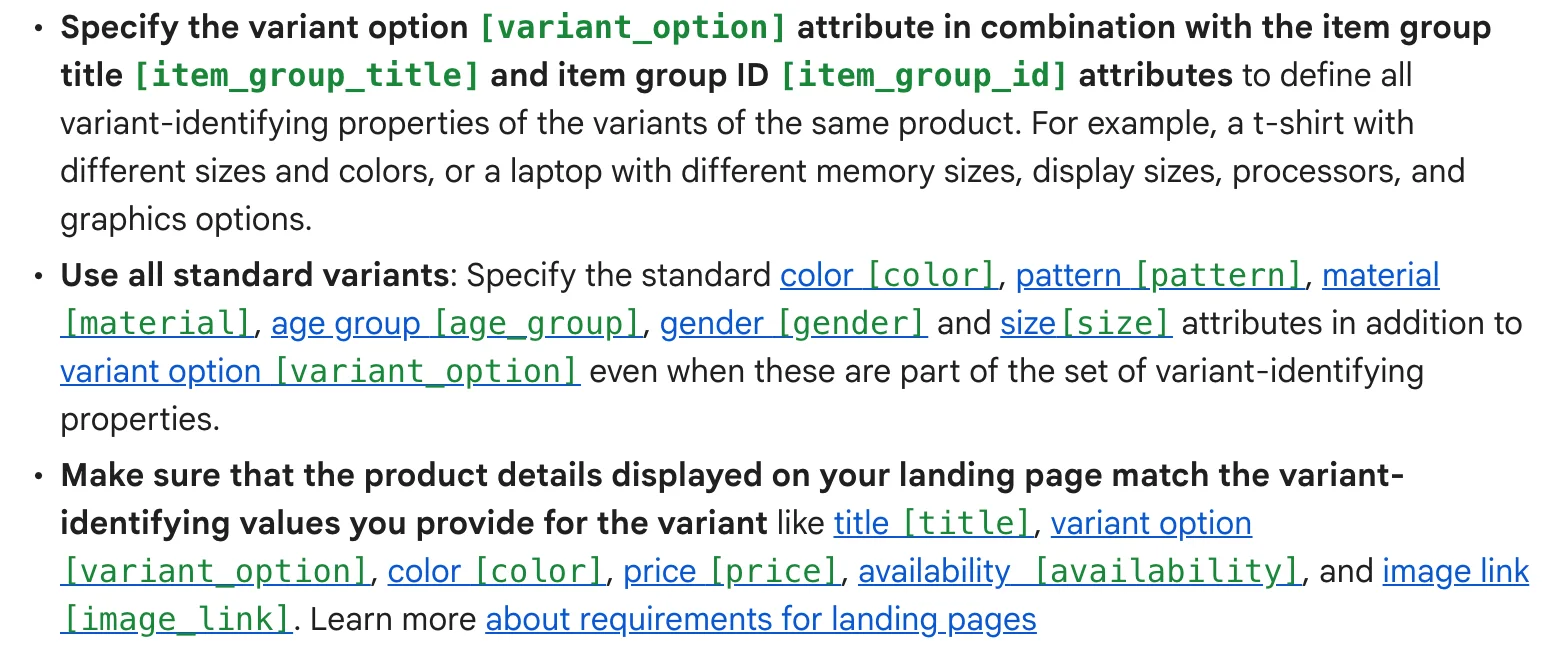
Google also takes variant_option, which names what differs between variants, such as colour:navy,size:M7.
Its help page calls it optional, but Google's UCP checkout guide calls it strongly recommended for anything sold in variants8.
We'd send it, alongside color and size, never instead of them.
Titles for clothing: a style name is not a title
"The Harbour" means something to your buying team. A shopper types "men's navy fleece hoodie", and a title that says "The Harbour" doesn't contain one of those words. We build apparel titles as brand, gender or age, style name if people know it, product type, then colour, size and material.
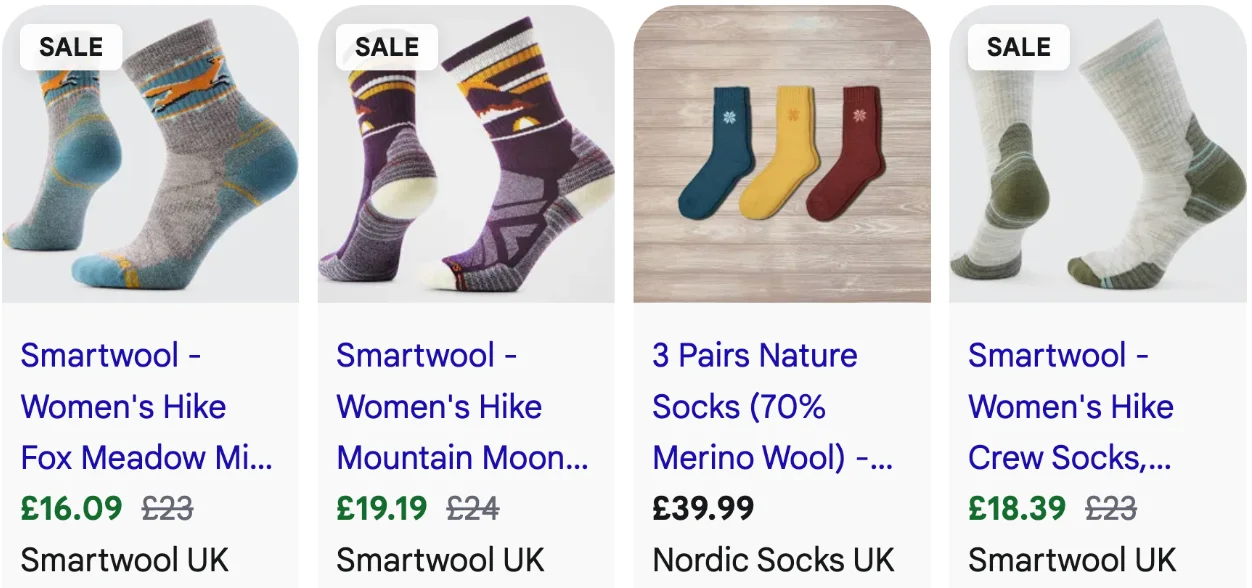
So "The Harbour" becomes "Northbay Men's Harbour Fleece Hoodie, Navy, M". Google says shoppers often see only the first 70 characters or fewer9, and in the socks above none got past about 40. The titles on the page go on well past the cut:
| The card shows | The full title goes on to |
|---|---|
| Smartwool - Women's Hike Fox Meadow Mi... | ...d Crew Socks, Woman, Brown, Size: M (UK 5 - 7.5) |
| 3 Pairs Nature Socks (70% Merino Wool) -... | ...Premium Comfort & Warmth - Made in EU - Elements - L: 6-9 |
That's fine: the colour and size at the end aren't there to be read, they're there to match "brown" or "UK 5" to the right sock. The rest of the method is in Google Shopping title optimisation.
The mistakes we see most in apparel feeds
Colour names nobody searches
"Midnight" is navy.
"Oatmeal" is beige.
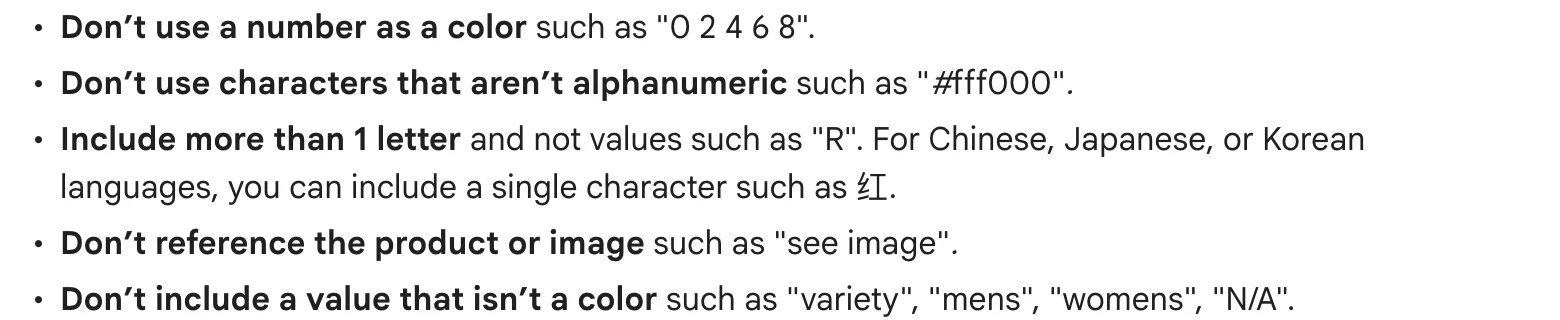
Google's rule is to send the colour your product page uses in color, even if it's "Toasted Walnut", and put the common name a shopper would search for in the title3.
So "Midnight" stays in color and "Navy" goes in the title.
Skip the title half and your navy hoodie never meets the person who typed navy.
Sizes a shopper can't read
Google asks for the complete size, in values shoppers understand, in one format across a group: S, M, L, not S, Medium, Lrg4. Live results show how often that's ignored.
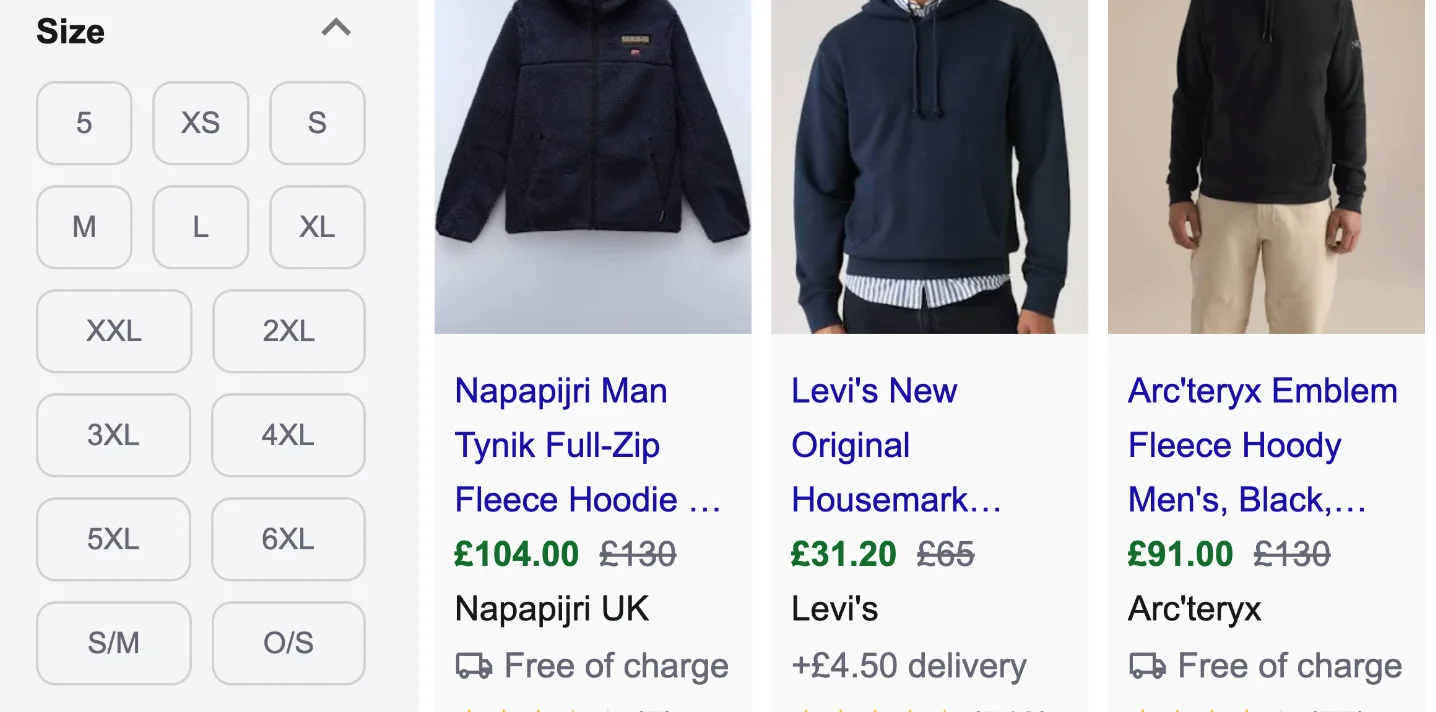
A shopper filtering on XXL misses every 2XL. In the sock titles above, "M (UK 5 - 7.5)" tells you what fits; "L: 6-9" doesn't say in which system, and "Elements" isn't a colour anyone searches.
Send size_system on every row, because without it Google assumes your target country's system, which is wrong for a UK-sized dress in a US feed10.
Put the size someone searches for, such as "UK 12" or "Petite", in the title, and fit in size_type11.
Kids' products tagged as adult
Less common, and costly when it happens.
Google sets no default for age_group2, so adult usually arrives from a platform setting or an old rule, and nobody overrides it for the junior range.
A kids' product tagged adult can't match a search with "kids" in it.
The evidence is already in your titles and size charts: "Jnr", "Youth" and sizes like "9-10Y" all say kids, which Google defines as 5 to 132.
The attributes apparel feeds leave empty
Google's checks stop at the required fields. A shopper asking AI Mode or another assistant goes further: "a breathable running top that isn't see-through", "jeans that don't shrink". Google says its conversational attributes help products show on AI-driven surfaces like AI Mode12, and in the apparel feeds we audit, these are the fields most often empty.
| Attribute | What it carries for clothing | Required? |
|---|---|---|
material |
Up to 3 materials, such as cotton/polyester/elastane |
Only when variants differ by it13 |
pattern |
Striped, check, floral | Only when variants differ by it14 |
product_highlight |
2 to 100 short selling points, 4 to 6 recommended | Optional15 |
product_detail |
Fit, care, fabric weight, as section, name and value | Optional16 |
question_and_answer |
The questions people ask about sizing and fit | Optional12 |
item_group_title |
One shared name for all the variants | Optional12 |
Most of this already exists in your store, in descriptions, tags and size guides, written for a person to read. Moving it into these fields is what lets an assistant answer "slim fit, machine washable" with your product. Field by field, it's all in conversational attributes.
What your store's Google app does and doesn't send
On Shopify, the Google & YouTube app syncs your products to Merchant Center and keeps them in sync17. Google's own help for it warns that clothing may need specific product data before it's published, and lists the 4 required attributes17.
The app sends what your store holds, the same way for every store. Colour names stay as your theme shows them, sizes stay in whatever mix your suppliers used, and the fit and fabric in your descriptions stay in your descriptions. Your products still appear, and nothing in them stands out.
If your colours and sizes need fixing across thousands of variants
Fixing colour names, sizes and fit by hand, variant by variant and season by season, is where apparel feeds fall behind. FeedWorks reads your titles, descriptions, tags and collections and pulls colour, material, pattern and gender into their own fields, as rules that keep working on every product you import.
Ask Aurora for "the shopper's colour name in every title, after the size" and it writes the rule, shows you which products would change, and by default waits for your approval. It shows the required and recommended fields for Google, ChatGPT, Meta and the other channels, so the optional ones get filled too. Rich data won't guarantee a listing, but it gives each garment more searches it can match.