A/B testing your product feed, without fooling yourself
Google, Meta and Microsoft each take one version of a product per ID, so you can't run two titles side by side for the same product, and outside a limited Google trial we found no channel that tests feed changes for you. What you can do is split your products into matched groups, change one group, and compare both over the same weeks.
Last verified 21 November 2026. A six minute read.
Why the channels can't A/B test your feed for you
On a website, an A/B test shows half your visitors version A and half version B of the same page. A product feed can't do that. Each channel holds one version of each product, under its ID, and every shopper sees that one.
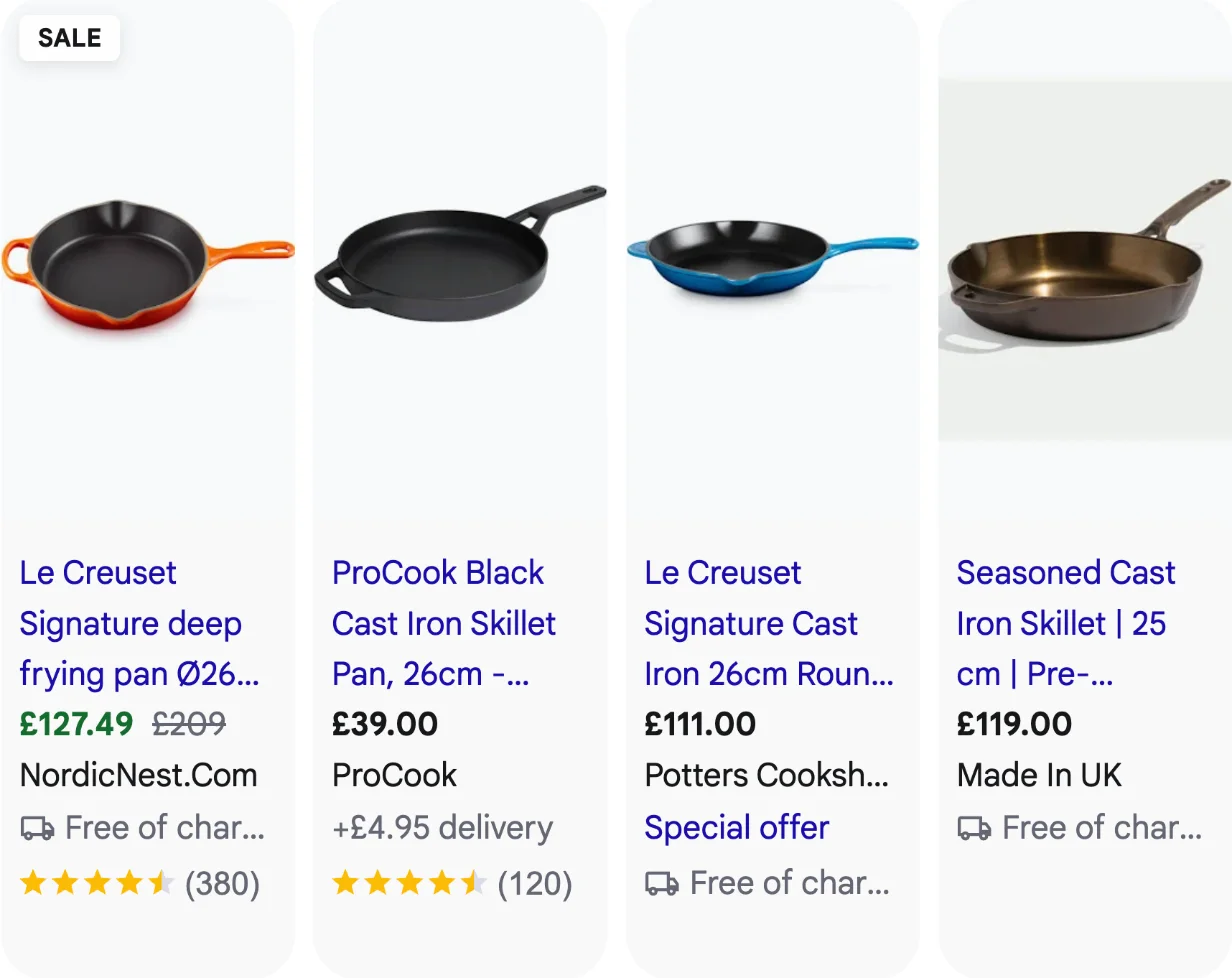
You can't get round it by sending the product twice with two titles. Google's ID spec says the ID is what tracks a product's performance history in Merchant Center and Google Ads, and tells you not to change it or reuse it1.

A copy under a new ID starts with no history, so it's being compared with a product that has years of it.
Google Ads experiments don't fill the gap2. They split auctions or budget between two campaigns, and for Shopping, Google's advice is to target the same products in both3. Both arms read the same feed, so a title change lands in both.
Google has been trialling a fix. In January 2026 its Ads Liaison confirmed a limited test of product data experiments, A/B tests of titles and images for Shopping ads, with a small number of merchants and results in about 3 to 4 weeks4. As of 21 November 2026 we found no Google help page for it. If it's offered to you, try it.
Meta and Microsoft work the same way. Meta's catalogue spec says each content ID must appear only once in a catalogue8. Microsoft's product spec says the offer ID must be unique within a catalogue and can't be changed once the product is added9.
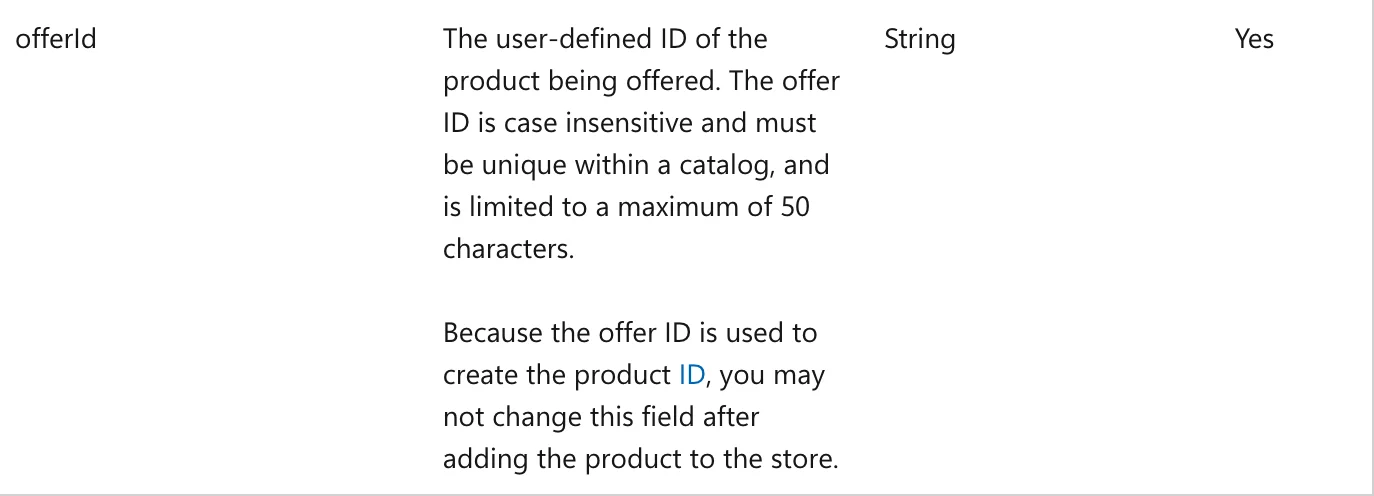
We found no tool in either for testing two versions of a catalogue item when we checked on 21 November 2026.
What you can do in the feed: split products
You can't split shoppers, but you can split products. Take the products a change would touch, put the new title on half of them, keep the old one on the other half, and compare the two halves over the same weeks. Anything that hits one group, a competitor's sale or a cold week, hits the other.
A store's own channel app can't run this: it sends one title per product to every channel, so there's nowhere in it to hold a second version.
That beats a before-and-after comparison, where you change every title at once and compare this month with last. Prices change, the weather turns, Google adjusts something, and every one of those lands on your "after" weeks along with the titles.
Make the two groups match
Products aren't alike. A handful of best sellers can take most of the clicks, so if three of them land in one group by chance, that group "wins" whatever you changed.
Fix it before the test starts:
- Only enrol products the change actually touches. A colour-in-title test shouldn't include products with no colour.
- Sort them by recent performance into tiers, say best sellers, steady and long tail.
- Split each tier at random, on its own, so both groups get the same share of best sellers.
- Change one thing. Google's advice for its own experiments is one variable at a time5.
Count the products that really change before you start. If it's a handful, the result will be noise, however long you wait.
Wait out the first days
A feed change doesn't land at once. Google has to pick up the new feed before shoppers see it, and the first days after rarely look like the weeks that follow. Google does the same with its own Shopping experiments, discarding the first 7 days of data as ramp-up3.
Start the clock when the changed feed is delivered, not when you decided to test, and drop the first few days from the result.
How long to run it
You set the end date before you start, and you read the result once, on that date. Checking every morning and stopping on the first good-looking day is how a change that does nothing gets declared a winner.
Google's own advice varies by tool:
| Google source, as of November 2026 | Suggested length |
|---|---|
| Google Ads Help, monitoring experiments | 2 to 3 weeks, longer if there's no clear winner6 |
| Google Ads Help, Shopping and Performance Max experiments | At least 4 to 6 weeks, first 7 days discarded3 |
| Product data experiments (limited test) | Results in about 3 to 4 weeks4 |
Our rule: whole weeks only, so every weekday counts the same number of times, never less than two, and four if your products get modest traffic. If the test group only gets a trickle of clicks, no length will be enough. Test where the traffic is.
What a confidence level means
At the end you get a difference and a confidence level. A 95% confidence level means luck alone would produce a gap this big about one test in twenty if the change did nothing; at 80%, one in five.
Google Ads shows experiment results at 80% unless you choose otherwise6. Google's own advice, published on 19 November 2026, is 80% for directional tweaks and 95% for major structural changes5. A title rule that will run on thousands of products for a year is the second kind, so ask for 95%.
Pick the metric before you start. Click-through rate is the usual one for titles and images. Watch impressions too, because a new title also changes which searches the product shows up for.
"No clear winner" is an answer
Plenty of tests end without a winner, and that's useful. It means the change didn't matter enough to measure on your products, so you can stop arguing about it and move to the next idea. Google lists it as one of three results its experiments can return6.
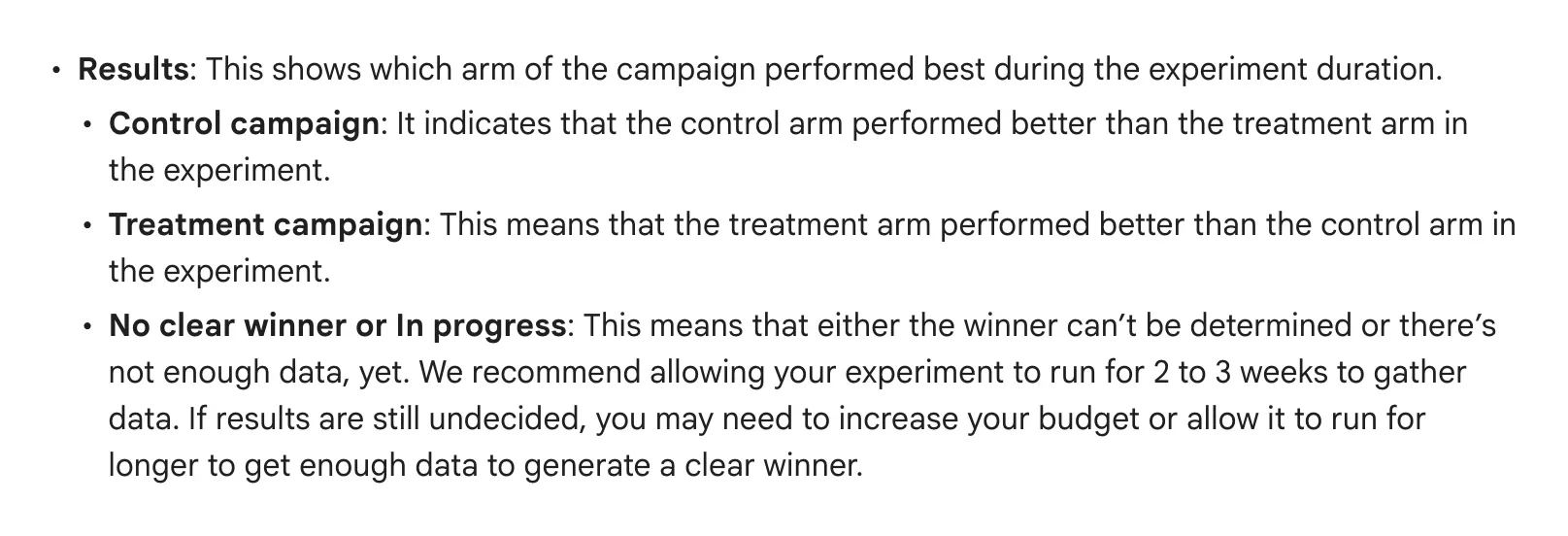
Don't rerun the same test until it says yes. That's the daily-checking problem again, spread over months. If you keep the change anyway, keep it for a reason you can say out loud, like a clearer title for shoppers, not because it nearly won.
A treatment that does worse is an answer too. Roll it back, and write down what you learned so nobody tries it again next quarter.
What to test first
Start with titles on your highest-traffic category. Brand, colour, size or material at the front is the classic test, and Google's tips page names brand, colour and size among the details a title should carry7. Our title guide has the order we'd try. Images come next: a second image as the main one, or a product shot against one in use.
If you'd rather not run this in a spreadsheet
Splitting tiers, timing the start and doing the statistics by hand is where most feed tests go wrong. FeedWorks runs them the way this guide describes. It enrols only the products a change alters, sorts them into performance tiers and splits each tier at random, so both groups get the same share of best sellers.
The clock starts when the feed carrying the test is first delivered, and the first 3 days are left out. Before you start, it tells you the smallest effect your products could show. The result is read once, on the end date, at 95% confidence, measured on Google.
A winner becomes a standing rule, so new products get it too. Aurora can review last month's performance and draft up to two tests a month, and each one starts when you approve it. More on the A/B tests page.