Fixing ChatGPT feed rejections and a missing UCP Buy button
OpenAI's feed spec names one problem that rejects a ChatGPT row outright, a missing or unrecognised availability value, and warns that other bad values can pass upload unnoticed. We found no UCP checkout error messages in Google's documentation on 21 November 2026, so a missing Buy button comes down to its documented conditions: programme access, account setup, the native_commerce flag, restricted products and variant data.
Last verified 21 November 2026. A six minute read.
Start with one underscore
A Google feed says preorder.
OpenAI's feed spec says pre_order, and a row whose availability it doesn't recognise is rejected1.
Copy a Merchant Center feed across without renaming that value and every pre-order product is gone before ChatGPT sees it.
Everything else on this page fails more quietly. A field gets ignored, or a Buy button just isn't there. We read every page behind this guide again on 21 November 2026, so the rules below are what OpenAI and Google say today.
ChatGPT feed: what gets rejected or ignored
Everything in this table comes from OpenAI's product feed schema1. The left column is the problem, not an error string, because OpenAI doesn't publish error strings.
| Problem | What OpenAI says happens | Fix | How to check |
|---|---|---|---|
availability empty or not one of its 5 values |
The row is rejected | Use in_stock, out_of_stock, pre_order, backorder or unknown |
List the distinct values in the column before upload |
n/a, null or unknown typed into an optional field |
Not valid; unknown only where a field lists it |
Leave the cell empty | Search the file for those strings |
variant_dict sent without listing_has_variations=true, or with group_id equal to item_id |
variant_dict is ignored; no variant options are used |
Send all three, with a group ID that differs from every item ID | Every row in a group carries all three |
target_countries set to anything but the US |
Standard uploads target the US whatever the column says | Send ["US"] and USD until OpenAI confirms more markets |
Ask OpenAI which markets your integration allows |
| Price with a symbol, thousands separator or wrong decimals | Breaks the required 79.99 USD form; OpenAI doesn't say whether it rejects |
Amount, a space, the ISO currency code | A pattern check on the column |
sale_price equal to, above or in a different currency from price |
The sale price is not used | Only send a real, lower sale | Compare the two columns |
Required fields with nothing in them
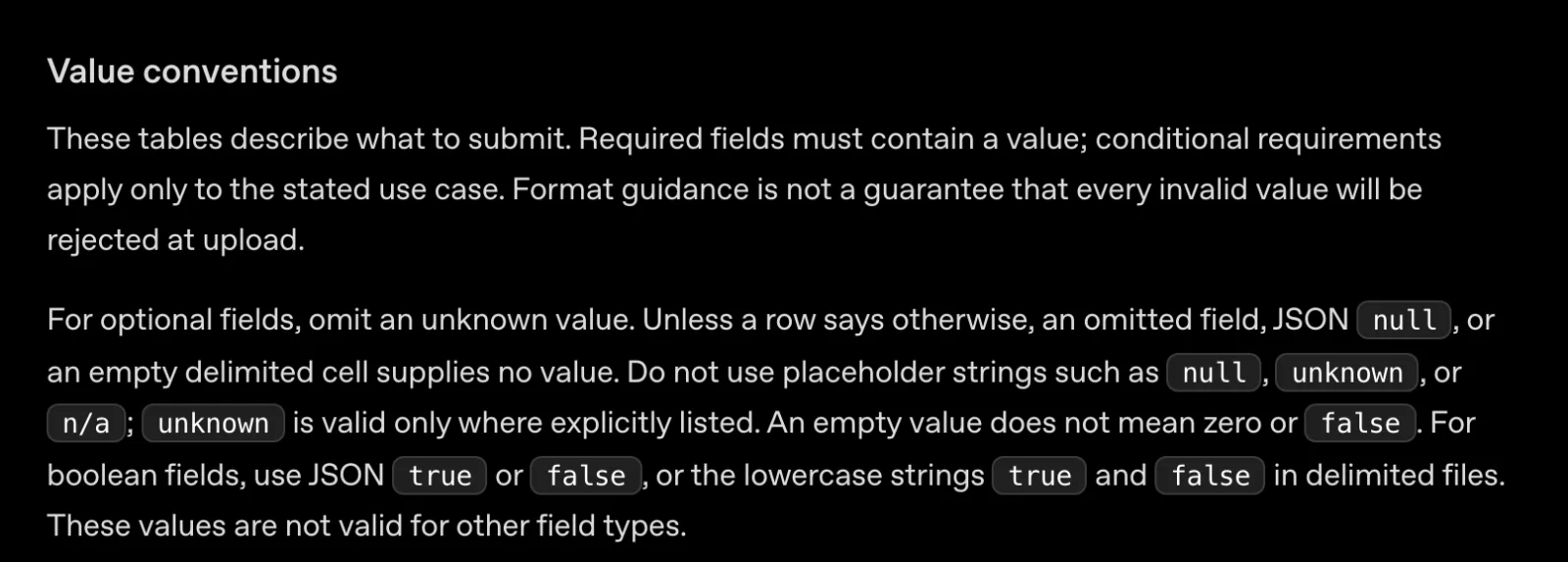
OpenAI's rule is that required fields must contain a value, with seller_name on every row1.
What happens to a row that breaks it isn't stated, rejected or quietly skipped.
Don't find out.
Fill all 11 required fields, including target_countries and store_country, on every row.
Variants that collapse into one product
This is the quiet one.
If group_id is missing it defaults to the item_id, which makes no group at all1.
The upload goes through, and ChatGPT sees a pile of separate products instead of one product in five sizes.
Every variant row needs a distinct item_id, the shared group_id, listing_has_variations=true and its variant_dict.
When nothing uploads
OpenAI's submit guide doesn't describe an error report, but it does make identity verification in Business Hub a condition of uploading at all2. If nothing uploads, start there.
Shopify and Etsy sellers don't upload a file; their catalogue is integrated already9. That route sends the store's data as it sits, so a placeholder value or a variant with no group goes across unchanged, and the fix has to happen in the store, for every channel at once.
Every other field is in the ChatGPT product feed guide.
Google UCP checkout: why there's no Buy button
UCP, the Universal Commerce Protocol, is the standard behind the Buy button on products in AI Mode and Gemini. How the programme works is in UCP checkout.
If you searched for "UCP checkout in free listings unavailable", we found no Google page that defines it on 21 November 2026, and no list of UCP error or status messages either345678. So work through the conditions Google does document, in its help page and its developer guide.
| Condition | What Google says | How to check |
|---|---|---|
| You're in the programme | Early access for select merchants: interest form, then Google notifies you34 | A UCP integration area in Merchant Center settings7 |
| Checkout build is done | Technical implementation comes before onboarding; a sandbox follows4 | The sandbox validates your UCP profile and checkout APIs4 |
| Account in good standing | A Merchant Center account in good standing, with products approved for free listings6 | Free listings status on your products in Merchant Center |
| Return policy complete | Return cost, return window and a link, on every sub-account of an advanced account6 | Merchant Center return policy settings |
| Support contact set | At least one of website, email or phone6 | Merchant Center business info |
| Flag set on the product | native_commerce(checkout_eligibility) true; empty or false means no button5 |
Data sources tab, processing errors on custom attributes5 |
| Product allowed | 15 categories must stay out of checkout6 | Your own rule, see below |
| Variant data complete | Complete variant data prevents mismatches that can suppress the button6 | variant_option (strongly recommended) with item_group_id and item_group_title on every variant |
| Market in scope | The help page covers products eligible in the US, Canada and Australia, for select merchants through an interest form3; Merchant Center onboarding is rolling out in the US first, with Australia and Canada early 20277 | Where the product is sold, and whether your account shows the integration |
The flag that disappears
The native_commerce help page documents one syntax, a native_commerce(checkout_eligibility) column with true or false5.
The developer guide adds cart transfer, and the column becomes native_commerce(checkout_eligibility:cart_eligibility) with values like TRUE:FALSE6.

That note is the likeliest reason a Buy button vanishes after it worked.
A second feed or an API update that sends only one flag blanks the other6.
Pick one supplemental feed for native_commerce, send both flags on every row, and let nothing else touch it.
Products Google won't sell through checkout
Google lists 15 kinds of product that need the flag empty or false, from subscriptions and instalments to rentals and in-game currency6. The ordinary retailer's traps are pre-orders, engraving and monograms, used or final-sale items, and freight. Make it a rule on the product data, so a product that goes final sale in January loses the flag the same day.
Variants without variant_option
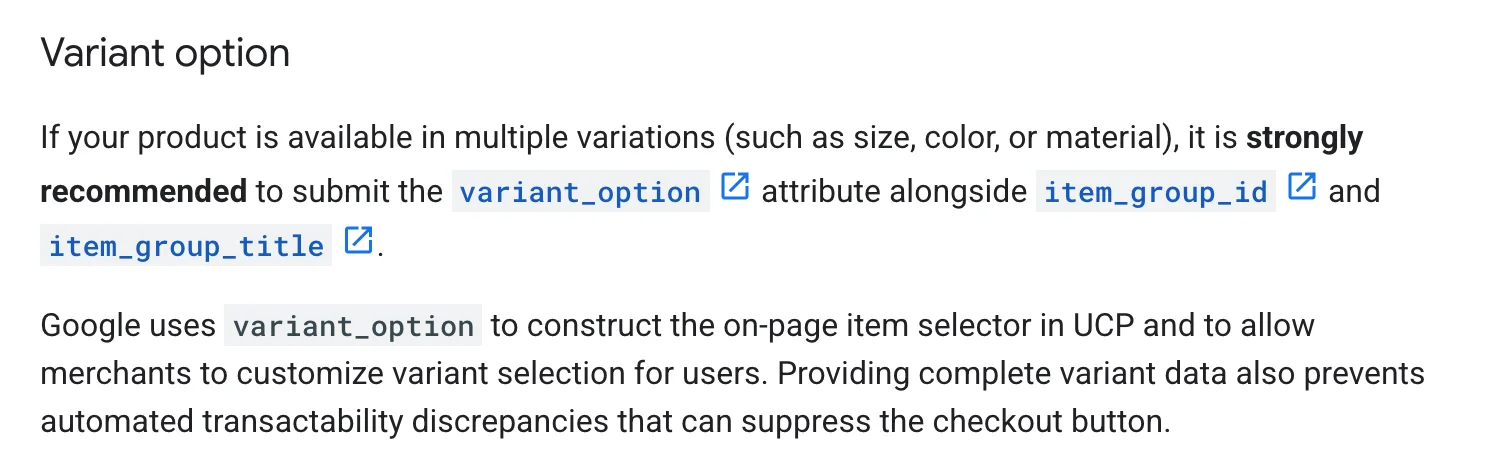
Google builds the size and colour picker from variant_option6.
It's only strongly recommended, but Google ties complete variant data to keeping the button.
We'd treat it as required.
Google also recommends real-time price and availability updates through the Merchant API6, and on UCP the sale happens on Google's screen. A price that differs between feed and site is the same fault as mismatched value price, with the checkout on the line.
Who to ask
Once you're onboarded, Merchant Center has a contact form under Settings, then UCP integration7. Google says Merchant Center will alert you when feed attributes, returns or account settings need updating4.
What to do this week
- ChatGPT: list the distinct
availabilityvalues in your file and map every one to OpenAI's 5. - Strip
n/a,nullandunknownfrom optional columns. - Check that every variant row has
group_id,listing_has_variationsandvariant_dict. - Google: set returns with cost, window and link, and a support contact, even before you apply.
- Fill
variant_optionon every variant, and movenative_commerceinto one supplemental feed that sends both flags.
When the same faults keep coming back
Most of the faults on this page aren't one-offs.
A new import brings preorder back, a new supplier sends n/a, a product goes final sale and nobody clears its checkout flag.
Fixing the file by hand fixes it until the next upload.
FeedWorks builds the ChatGPT file from the same catalogue you send to Google, standardises values like availability to each channel's spelling with rules that run on every import, and Aurora can check a product against a channel's spec before it goes out.
You submit the file, and OpenAI decides what's listed.
UCP checkout itself isn't something FeedWorks does.
What it does is keep the variant data checkout reads, filling variant_option and item_group_title by rule, and a weekly recurring task can count the products missing a field and email you when the number goes up, so a fault that creeps back gets caught before a channel finds it.