The MCP servers behind your feed, and what one agent can do with them
As of 21 November 2026 Google publishes MCP servers for Google Ads, Google Analytics and Merchant Center, Shopify and Meta have their own, and an agent connected to all of them can explain almost anything about your feed's performance. What it mostly can't do is change the product data each channel receives, which is the job of a feed layer in the middle.
Last verified 21 November 2026. A five minute read.
What MCP gives your agent, and where it stops
Almost every system a feed touches now has an MCP server, and most of them come from the company that owns the system. MCP, the Model Context Protocol, is the open standard that lets an agent such as Claude or ChatGPT read and act inside another service1. Connect the right ones and your agent can see what Google shows, what it spends and what sells, with your own business context on top.
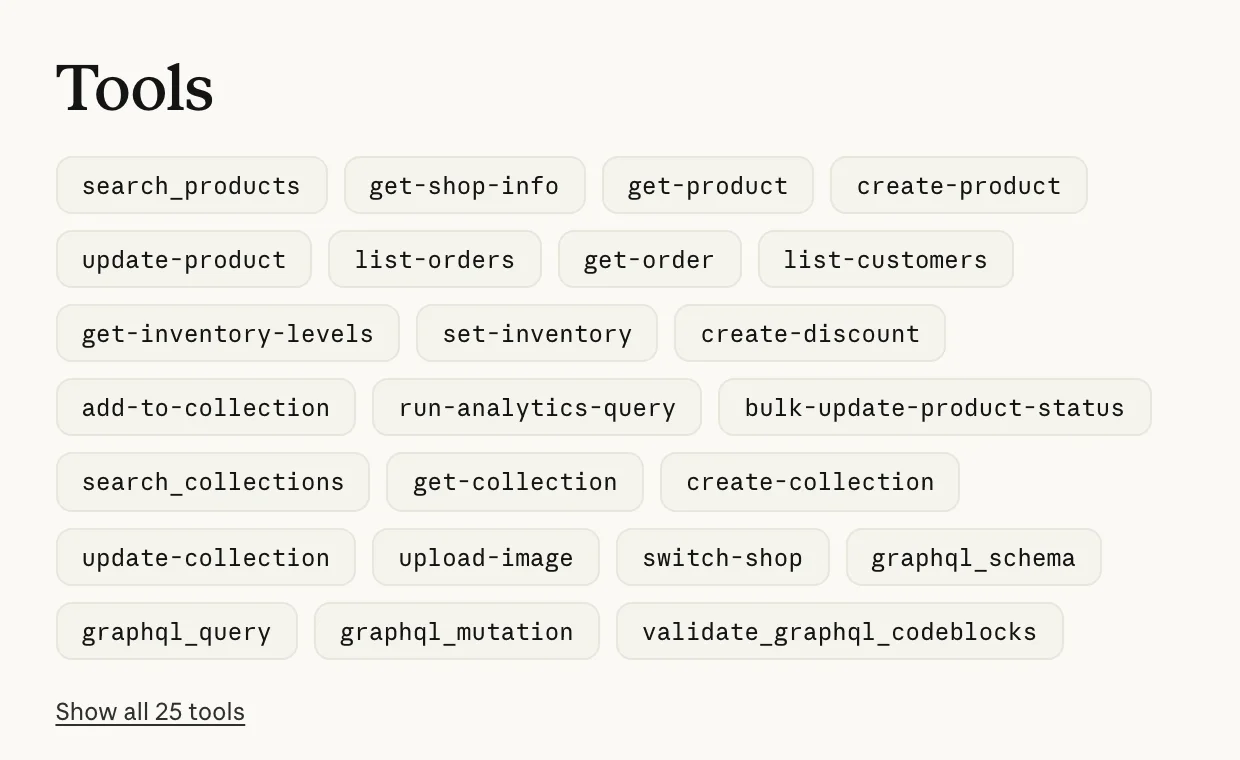
Google's servers are built for reading, which matters for what the agent can change.
Which MCP servers exist, and who makes them
We checked each one on its owner's site on 21 November 2026. Official means the company that runs the system publishes it.
| System | Server | Made by | What the agent can do | Status |
|---|---|---|---|---|
| Google Merchant Center | Merchant API MCP Access Service | Google, official | Read product statuses, issues, disapproval reasons and reports; create a data source2 | Experimental alpha |
| Google Ads | Google Ads MCP server | Google, open source | Query any report; create assets and manage labels. It can't create, change, pause or enable campaigns, ad groups, ads, budgets or bids3 | Version 0.0.6 |
| Google Analytics | Google Analytics MCP server | Run standard, realtime, funnel and conversion reports. Read only4 | Live | |
| Shopify | Shopify's AI connectors | Shopify, official | Manage the store from Claude, ChatGPT, Gemini, Copilot, Perplexity and others5 | Live |
| WooCommerce | MCP integration | WooCommerce, official | Query, create, update and delete products; read and update orders6 | Developer preview |
| BigCommerce | Store Management MCP | BigCommerce, official | Manage products, prices, inventory, orders and promotions7 | Early access |
| Magento (Adobe Commerce) | None for running a store | Community and marketplace modules | Varies by module | No official server |
| Meta ads and catalogues | Ads MCP server | Meta, official | Reporting; create and edit campaigns, ad sets and ads; create catalogues and fix item visibility89 | Open to developers, tools rolling out |
| Microsoft Advertising | MCP server | Microsoft, official | Explore campaigns, ad groups, ads and keywords; reporting and audits10 | Launching with Microsoft 365 Copilot |
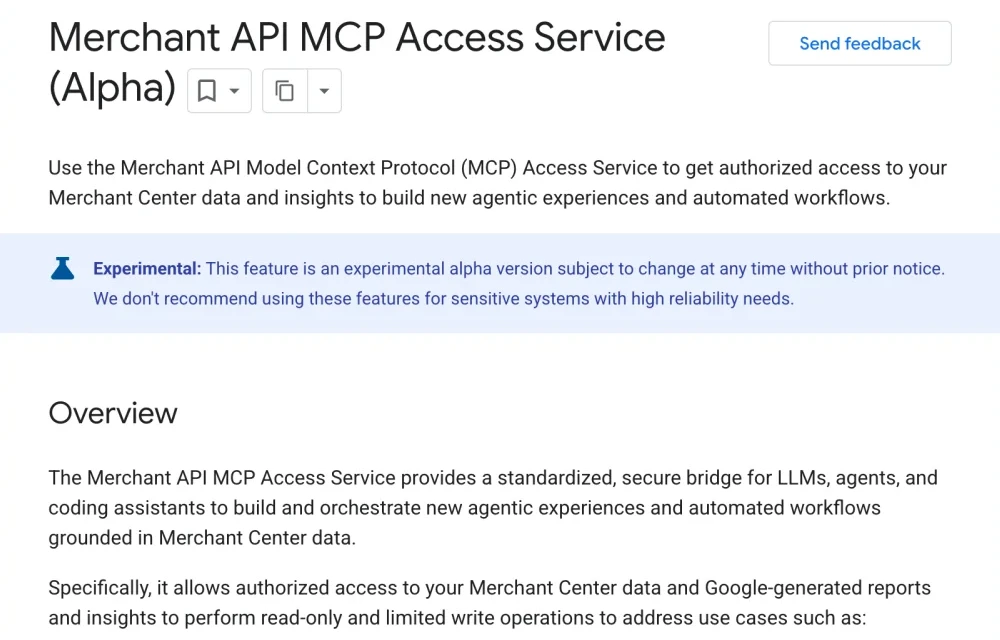
On 21 November 2026 we found no Adobe-published MCP server for managing a Magento or Adobe Commerce store; Adobe's own are developer tools11. Community servers with similar names exist for most of the rows above. Read what access one asks for before you connect it, and prefer the owner's.
What a central agent can do with them
The value comes from asking across servers, with the agent's memory of your business behind it. These are the feed jobs we'd run first.
- Why products are disapproved. Merchant Center's server returns the disapproval reasons, and the store's connector shows the product as you hold it. A price mismatch on variants usually turns out to be a variant link that lands on the default size, at the default price.
- Where spend isn't selling. A Google Ads report by product, joined to GA4 item revenue, gives you the products that get clicks and no sales. Then the agent reads their titles and attributes against the search terms that brought the clicks.
- Which products Google can't match. Products with impressions near zero, checked against the catalogue: no colour, no material, a title that's a style name.
- Where margin and spend disagree. Your agent already knows from the ERP, or from you, which lines carry the margin. Set against Google Ads spend, that's the list of products to push or pull back.
- What Meta can't show. Meta's server can troubleshoot catalogue item visibility, so the agent can line up Meta's view with Google's for the same products.
What each job turns up is a change to product data, such as a title, a colour field, a custom label or a corrected link.
Why a feed layer in the middle matters
As of 21 November 2026 none of Google's three servers has a tool that edits a product234. The store's connector can edit products, but there is only one version of each product in the store, so it can't write a Google title, a Meta title and a ChatGPT title for the same one.
A feed layer fixes that. It takes the store's data, applies rules per channel, and sends each one its own version, so the agent's fix lands where the channel reads it. The fix also has to stay fixed: a rule runs on every import, where a one-off edit is gone at the next sync.
It has to stay fresh too, so the layer re-sends on a schedule and the fix reaches each channel the same day, not at the next manual upload.
When the feed layer also pulls in Google Ads and Analytics results per product, the agent can see whether last month's change worked, and try the next one on half the products to find out. Without a middle layer, the agent's diagnosis stays a list of jobs for someone to do by hand.
When you want the agent to change the feed as well
An agent that can diagnose the feed but can't change it leaves the work with you. FeedWorks, the first end-to-end agentic feed platform, has its own MCP server12, so it sits beside Google's and Shopify's in the same agent.
When the Google Ads report shows clicks without sales, your agent can open the product in FeedWorks, see which rule wrote its title, and draft a better one for a person to approve where it matters.
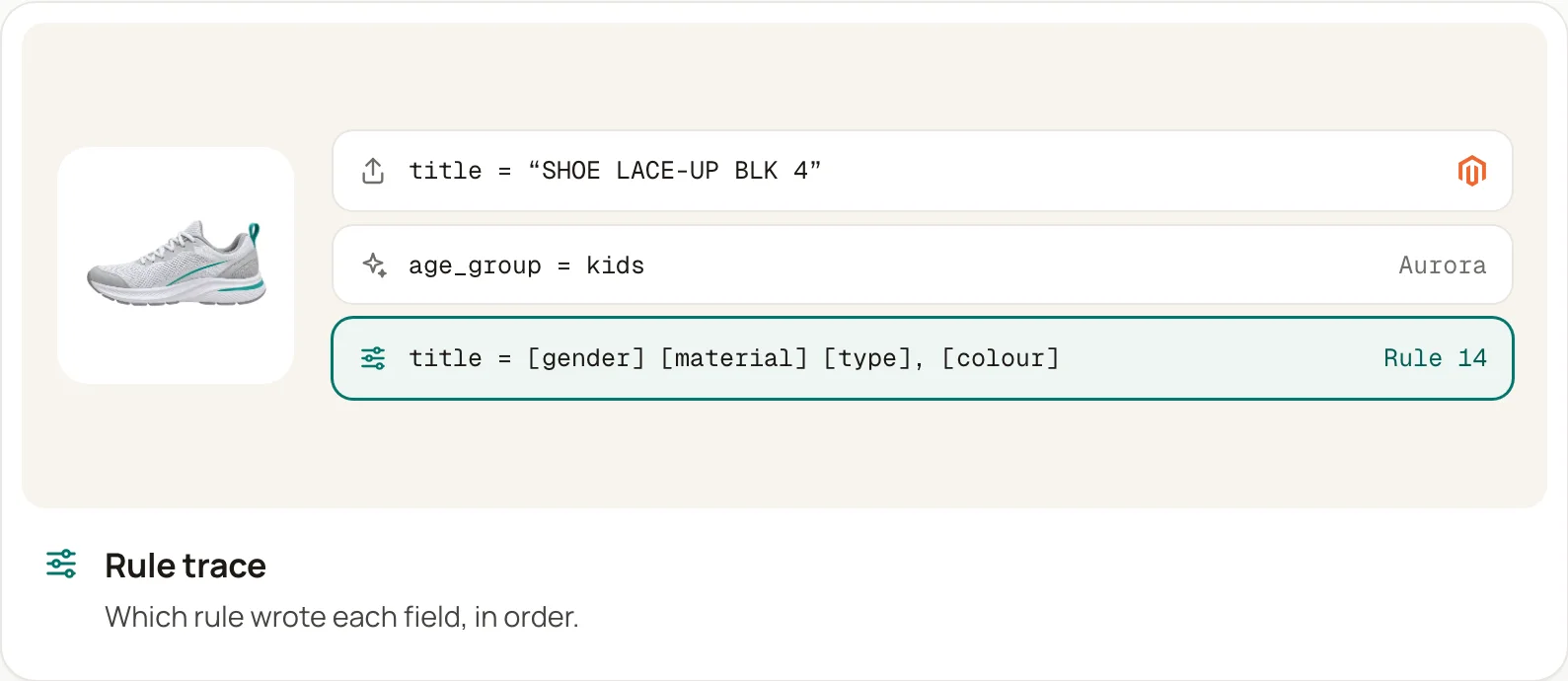
FeedWorks pulls in Google Ads, GA4 and Merchant Center results per product, and Aurora, the agent inside it, uses them to find where an A/B test is worth running and to check whether a change worked. It's the only feed platform that does that, and as of November 2026 the only one with a mature, agentic MCP.