Magento and Adobe Commerce in ChatGPT and the other AI assistants
As of 21 November 2026, nothing in Magento Open Source or Adobe Commerce sends your catalogue to ChatGPT, Gemini or Copilot, and Adobe's Commerce MCP is still coming soon. A product feed is the way in. It works only as well as its attributes, which Magento splits across attribute sets, stores as option IDs and sets per store view.
Last verified 21 November 2026. A five minute read.
What Adobe has shipped for AI shopping, and what it has only promised
We went through Adobe's own documentation on 21 November 2026 and found no setting in Magento Open Source or Adobe Commerce that sends products to an AI assistant.
In February 2026 Adobe said Adobe Commerce would support the Agentic Commerce Protocol (ACP, OpenAI and Stripe's standard for agents that buy) and the Universal Commerce Protocol (UCP, Google's)3. Nine months on, its architecture guide still says Adobe is "committed to supporting" them2. The Commerce MCP, a server developers can build their own shopping assistant on, still carries a Coming Soon badge1.
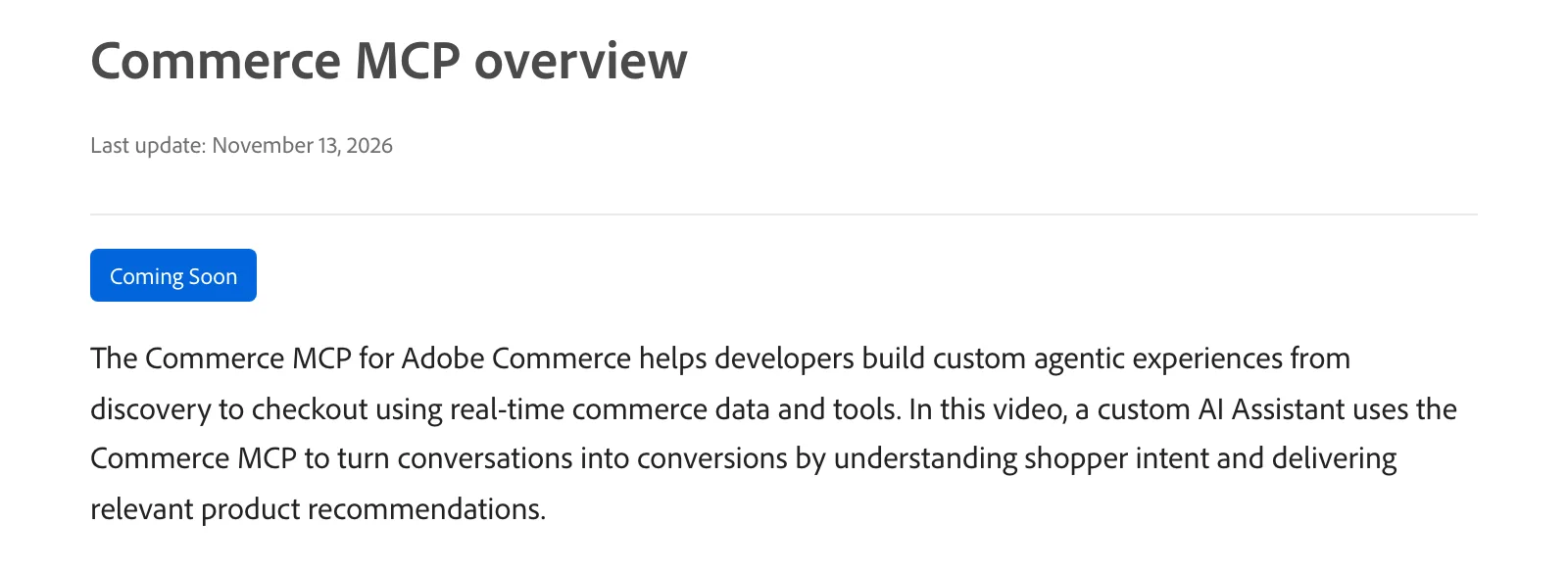
Even when it ships, an MCP server powers an assistant you build; it doesn't put you in someone else's. So don't wait for Adobe. The feed you build now is the same product data any protocol will read later.
One parent page, many things to buy
A Magento configurable product is a parent with a simple product behind each option, each with its own SKU13. The shopper sees one page with dropdowns, and nothing is chosen until they choose it.
Assistants want the opposite: one row per thing you can buy, linked to a page with that option already chosen1415. In the Magento catalogues we've read, the children are almost always set to Not Visible Individually, so they have no page of their own, and a feed that gives every child the parent's URL lands every shopper on a page with nothing chosen.
Magento can preselect an option from the URL, but how depends on your theme.
Hyvä reads ?size=176 (attribute code, option ID) or #142=176 (attribute ID, option ID)16.
We found nothing in Adobe's docs on the same for Luma on 21 November 2026, so test a link on your own store before you build a feed around it.
Attribute sets and option IDs
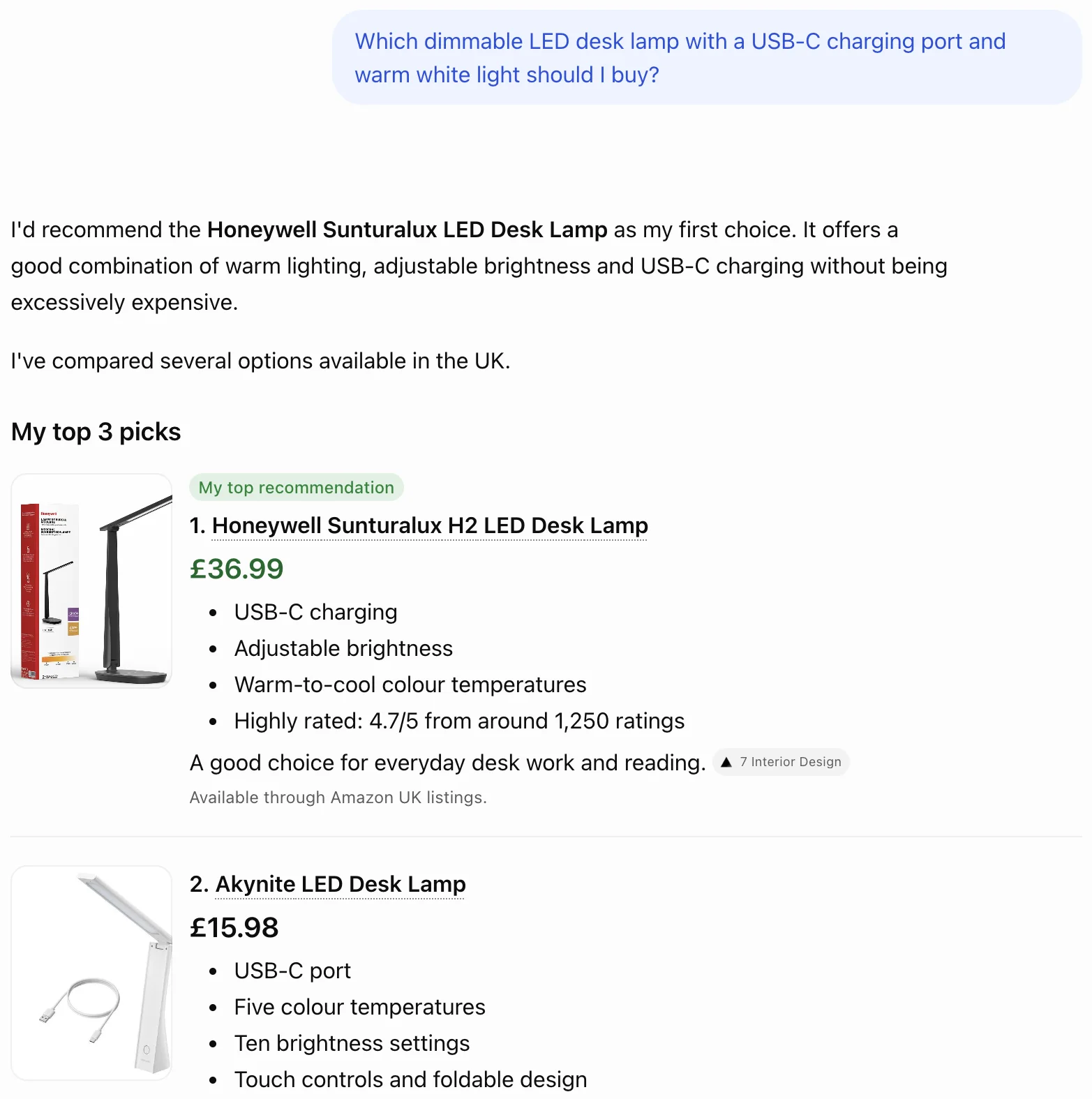
Each pick above earned its place on a port, a dimmer and a colour temperature. In a Magento catalogue those three facts can sit in three different attribute sets under three different names.
Each attribute set decides which attributes a group of products carries, and sets grow one category at a time.
In the catalogues we read, colour turns up as color, colour and finish_colour, and colour temperature lives in a sentence in the description for half the range.
Pick one name per attribute for the feed, and map every set to it.
The values have a trap of their own.
Magento stores a dropdown or swatch value as an option ID and keeps the label in a separate list; in Adobe's own sample catalogue, Gray is option 5219.
A feed extension or database export that skips the label lookup sends color: 52, and nobody asks ChatGPT for a lamp in 52.
Store views decide the price, the language and the tax
A store view sets the language, so an attribute's label and value can differ between your English and German views. Prices are global unless you set the price scope to Website17.
The base currency, set per website, is what payments are taken in; the display currency is only what a store view shows18. If your EU view shows euros converted from a dollar base, the page and the charge disagree, and so will any feed you build from it.
Google wants prices without tax in the US and Canada, and with VAT or GST in the UK, Germany and Australia, matching the page20. Magento shows a tax-inclusive price only once a tax rule matches the shopper, after they log in or use the cart's tax estimate21, and Googlebot does neither. Set Display Product Prices In Catalog per store view to the basis that country's feed uses.
Where a Magento feed can go today
| Assistant | The route for a Magento store, November 2026 |
|---|---|
| Google AI Mode and Gemini | Your Merchant Center feed, which Google says can help products show in its AI features7. The Buy button needs UCP and an accepted interest form22. |
| Microsoft Copilot | Microsoft Merchant Center, which can import your Google feed on a schedule8. |
| ChatGPT | Your own feed in OpenAI's format, through Business Hub or the merchant form. US shoppers only45. |
| Perplexity | An interest form. We found no published feed spec on 21 November 20269. |
| Meta and Muse | Your Meta catalogue is the feed: the Commerce Manager catalogue your ads run on11. Meta has published no separate Muse spec as of 21 November 202610. |
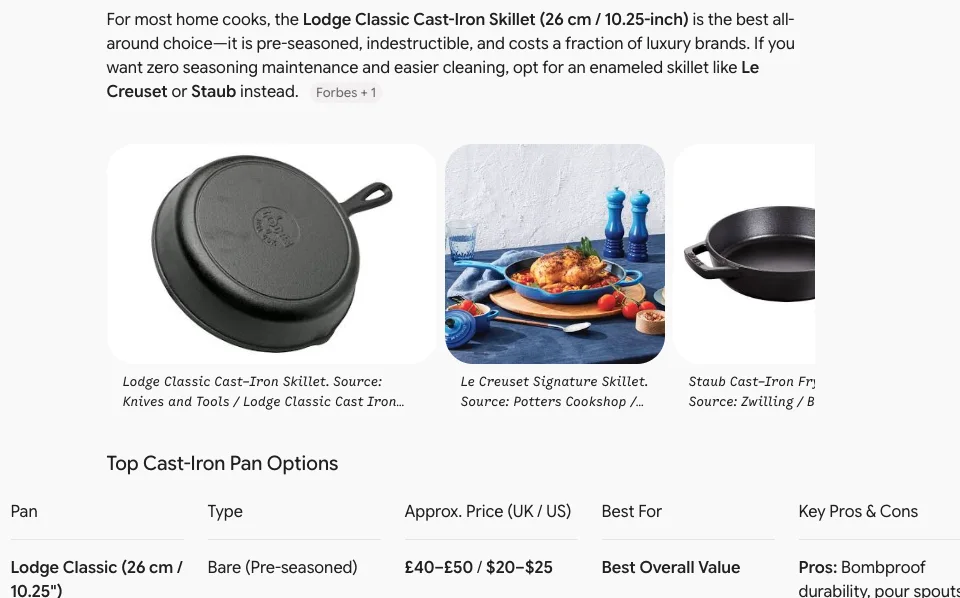
Google's free listings can show eligible products in Gemini as well as Search and Shopping6, and Microsoft Merchant Center can import the same feed for Copilot8, so Google comes first. ChatGPT comes next, with its own field names, US shoppers only, and identity verification before you can upload4.
Shopify's Agentic plan is the nearest thing to a one-click route. It lists a store that isn't on Shopify in Shopify Catalog, which feeds ChatGPT, AI Mode and Gemini, Meta and Copilot, loaded by CSV, API or a PIM connector12. It sends what you load, as you load it, in the same shape as every other store on the plan, and it's a second catalogue to keep in step with Magento.
When one catalogue has to serve every store view
The usual answer is a feed per store view, built by an extension, each one mapped by hand and each one drifting from the others.
FeedWorks imports Magento natively, and one base export can create a market feed per store view. Each has its own price, sale price, link and currency, and for Google its own target country and feed label, and products not sold in a view are left out of its feed. A mapping change on the base is pushed to every market feed, so a fix made once reaches every country.
Prices that move faster than the catalogue can come in on their own source, joined to the catalogue by product ID.
Underneath, rules pull colour, material and product type out of titles, descriptions and attributes, standardise the different spellings across your attribute sets, and keep running on every import.